
3D Car Games
Total 718 games
Sky Stunt Races

BayDay.io
Parking Shift: Car Simulator
Cliff Crash
Split Second: Arcade Edition
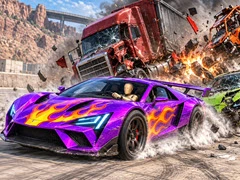
Master Car Destruction
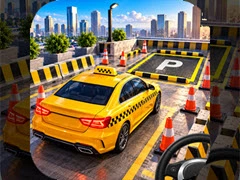
Taxi Car Parking Driving Test 3D
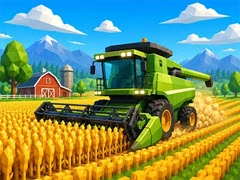
Harvest Rush
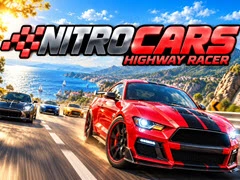
Nitro Cars: Highway Racer
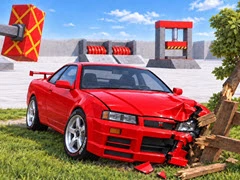
Realistic Car Destruction Sandbox

Crime and Vice City Police
Extreme Formula Racing
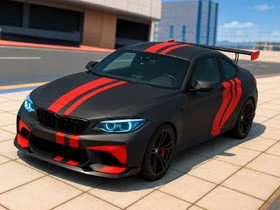
Extreme Car Driving Stunts
City Bus Simulator Driving Games
Open City SUV Car Stunts
RACE: Rocket Arena Car Extreme
Street Race Master

Tractor Farming Farmer Life Game
Offroad Jeep Driving Mountain Climb
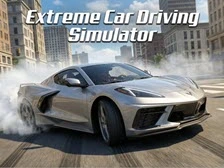
Extreme Car Driving Simulator 2
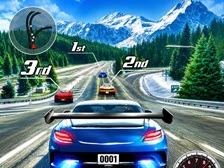
Street Racing 3D 2
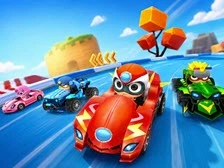
Robot Car Transform Race
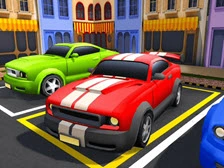
Car Parking Driving Game
Road Fury – Racing
City Car Driving Game
Racing Fever Moto
Car Stunts Driving

Car Stunt Master Game
Police Car Parking 2026
Nitro Speed 2 Underground

Passenger City Taxi Game
Bike Racing Adventure
King Crash Test Cars
Mega Ramp Stunt
Flying Robot Transform Car Games
Real Parking Game
Mountain Bus Driver

Boat Game: Racing Simulator 3D
Downtown Parkour Drive
Drive & Crash Sandbox
Car Crush: Realistic Destruction
Car Destruction King
Deadly Descent
Car Runner 2
Ultimate Racing Car

Driver Club: Highway Racing
Monster Truck Offroad
BMG: Ragdoll Car Race
Soda Sandbox
Drift Idle Drift Earn Upgrade
School Bus Simulator 3D
Passenger City Taxi Game
Max Speed

i8 City Driver

Two RX7 Drifters

M5 City Driver
Challenger City Driver
Russian Derby Crash

Luxury Highway Cars
Racing Master 3D
3D Car Games: Read the Road in Three Dimensions
In 3D car games, distance and viewpoint become part of driving. A ramp has height as well as length; a corner can hide traffic; a slope changes where a vehicle lands. This collection groups games by their three-dimensional presentation, so it includes races, city driving, destruction experiments and work vehicles rather than one fixed style of competition.
Three ways to explore the collection
Follow a road with consequences. In Nitro Cars: Highway Racer, traffic makes forward visibility important. A chase camera can help you watch the lanes, but available camera choices depend on the game. Leave yourself time to react instead of staring only at the vehicle directly ahead.
Use the environment as a playground. Extreme Car Driving Stunts features ramps and open spaces for aerial driving. Realistic Car Destruction Sandbox takes a different approach, making collisions and vehicle damage the attraction. One asks how you can land a maneuver; the other lets you examine what happens when it goes wrong.
Try a different kind of machine. Harvest Rush moves away from sports cars and into harvesting. Driving through a field gives you a different route to plan from a crowded highway, while still making position and movement central to play.
Camera position can change a difficult run
If a game lets you switch views, try more than one before deciding it is too hard. A wider view may reveal the next obstacle; a closer view may make a narrow approach easier to judge. On ramps, keep track of the landing surface instead of following only the car’s body. Start with a controlled jump before adding more speed.
Three-dimensional graphics do not guarantee realistic physics. Some titles deliberately use exaggerated jumps, generous steering or dramatic damage. Performance also varies with the game, browser and hardware. If a run feels unresponsive, check any graphics settings and input instructions before increasing the difficulty. The game page is the best place to confirm the controls and device support for that particular title.